


Senior Ceriwiser
 Tanggal Bergabung: May 2012
Post: 5.728
Rep Power: 0

Tanggal Bergabung: May 2012
Post: 5.728
Rep Power: 0
 Hewan-hewan eksotis di sekitar rumah ane [full pic]
[/quote]
[quote]
Gunakan fasilitas "Macro" di kamera. Nah, karena size gambarnya cukup besar (10MP), maka meskipun di-crop/dipotong untuk diambil objeknya aja masih kelihatan jelas (gambar tidak pecah)
</div>
Kutip:
|
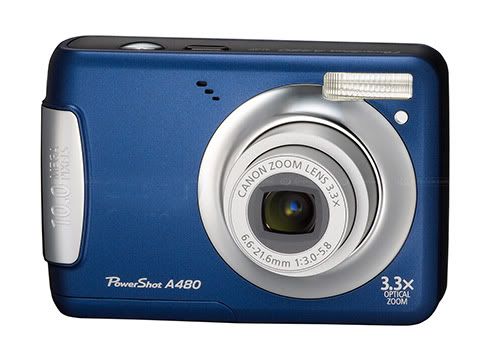
Siapa bilang kamera saku ngga bisa untuk bikin gambar yg cantik. Nih gan, hasil jepretan ane pakai kamera saku. Cari objeknya ngga usah jauh-jauh, cukup di sekitar rumah aja. Foto-foto ini rata-rata ane ambil pakai modus "Macro", alias untuk memotret benda-benda kecil supaya tampak lebih jelas/besar. Alat dan bahan: |
Kutip:
|
1. Kamera saku digital 2. Objek foto (hewan di sekitar rumah) 3. Program pengolah gambar (Photoshop) Tips n trick memotret dengan kamera saku yg biasa ane lakukan: |
Kutip:
|
1. Usahakan objeknya sudah bener2 fokus (ada di dalam kotak fokus) sebelum melepas tombol rana. 2. Setelah foto kita dapetin, pindahkan ke komputer dan diperbaiki pakai photoshop, antara lain: a. Cropping, yaitu memotong bagian gambar yang tidak diinginkan b. Brightness dan Contrast, untuk mengatur gelap terang gambar c. Hue dan Saturation, untuk mengatur warna gambar agar lebih ngejreng Ingat gan, photoshop hanya untuk memperbaiki, tidak untuk rekayasa gambar. Simple as that! Kamera saku yg ane pakai, gan... [/spoiler] Spoiler for open this:
Spoiler for open this:
Spoiler for open this:
Spoiler for open this:
Spoiler for open this:
Spoiler for open this:
Spoiler for open this:
Spoiler for open this:
Spoiler for open this:
Spoiler for open this:
Spoiler for open this:
Spoiler for open this:
Spoiler for open this:
Spoiler for open this:
Spoiler for open this:
Spoiler for open this:
Spoiler for open this:
Spoiler for open this:
Spoiler for open this:
Spoiler for open this:
Spoiler for open this:
Spoiler for open this:
Spoiler for open this:
Spoiler for open this:
Spoiler for open this:
Spoiler for open this:
Spoiler for open this:
Spoiler for open this:
Spoiler for open this:
Spoiler for open this:
Spoiler for open this:
Spoiler for open this:
Spoiler for open this:
Spoiler for open this:
Spoiler for open this:
Spoiler for open this:
Spoiler for open this:
Spoiler for open this:
Spoiler for open this:
Spoiler for open this:
Spoiler for open this:
Spoiler for open this:
Spoiler for open this:
Spoiler for open this:
Spoiler for open this:
Spoiler for open this:
Spoiler for open this:
Spoiler for open this:
Spoiler for open this:
Spoiler for open this:
Spoiler for open this:
Spoiler for open this:
Spoiler for open this:
Spoiler for open this:
Spoiler for open this:
Spoiler for open this:
Spoiler for open this:
Spoiler for open this:
Spoiler for open this:
Spoiler for open this:
Spoiler for open this:
Spoiler for open this:
Spoiler for open this:
Spoiler for open this:
Spoiler for open this:
Spoiler for open this:
Spoiler for open this:
Spoiler for open this:
 Jadi intinya adalah... |
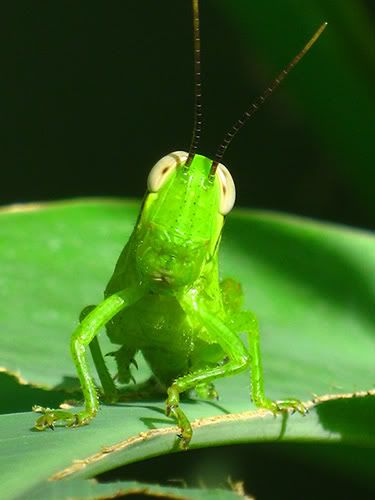

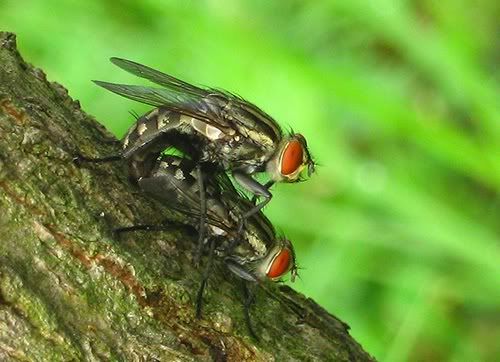
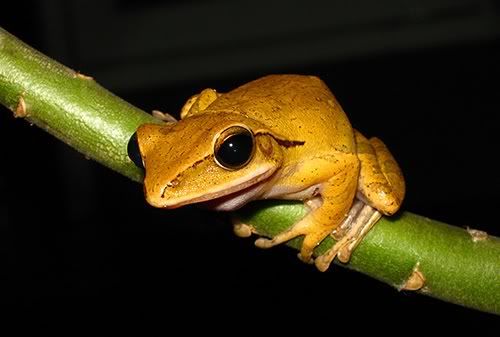


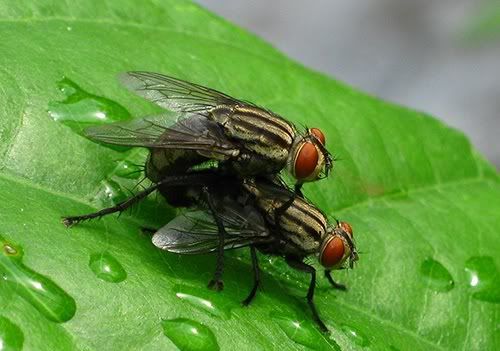
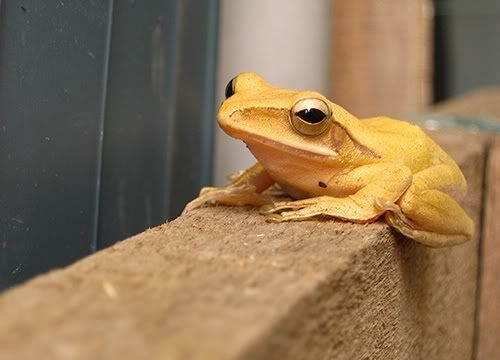
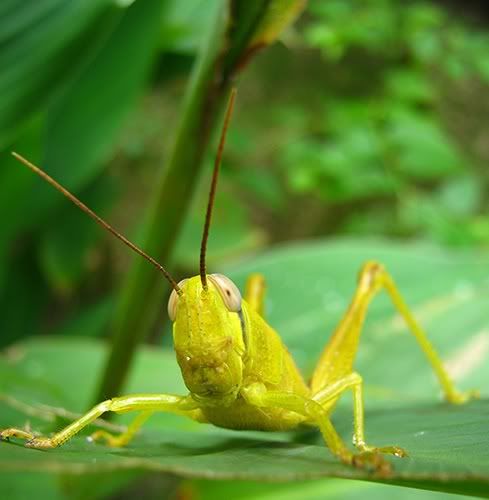
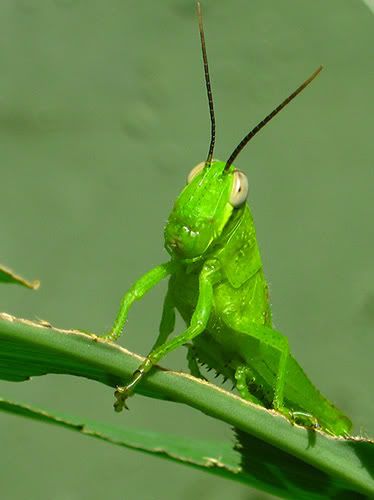
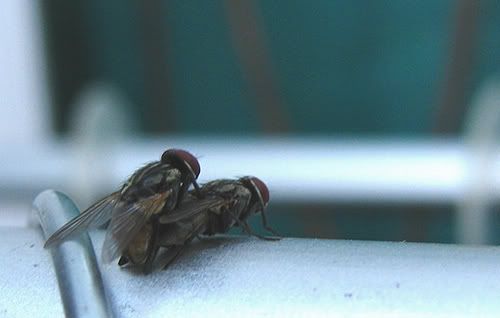
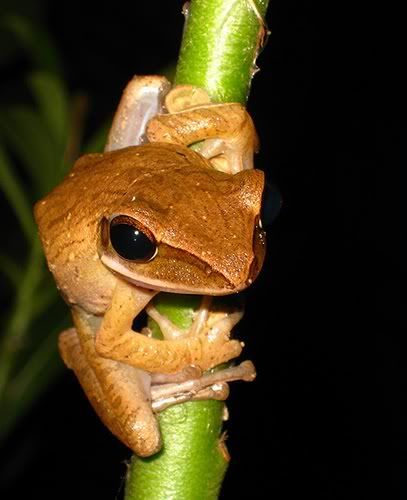

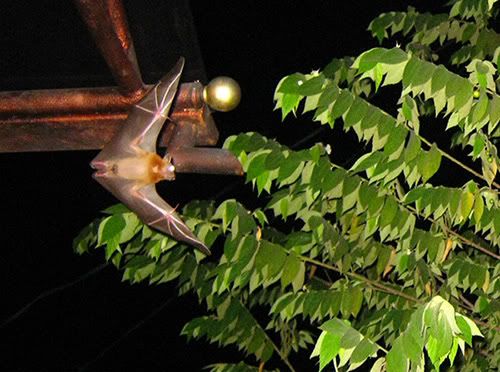
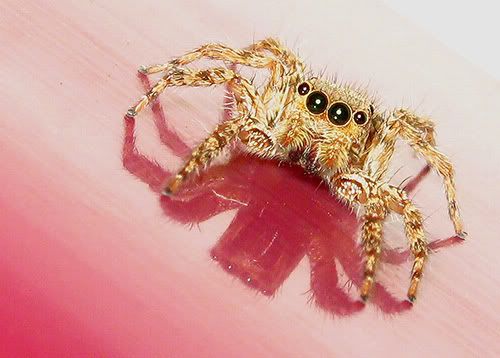
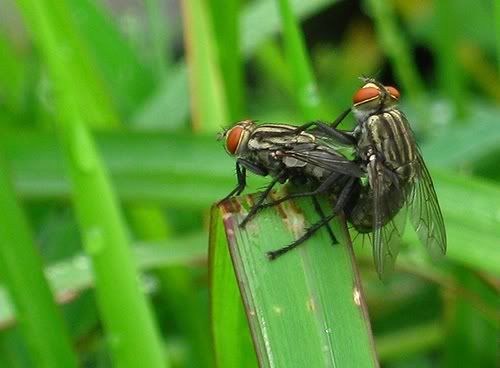
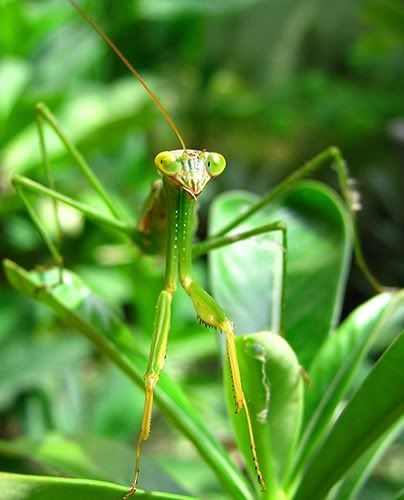

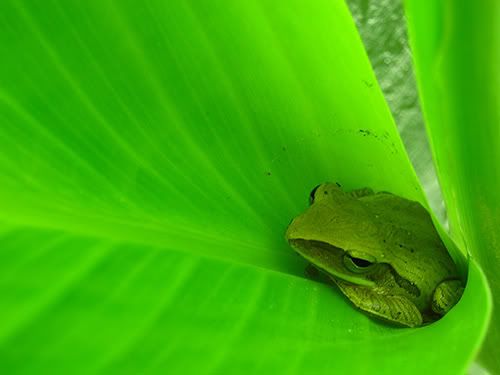
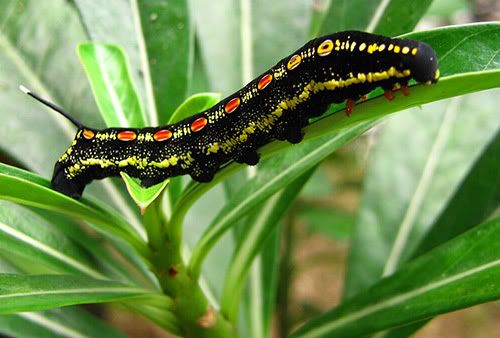
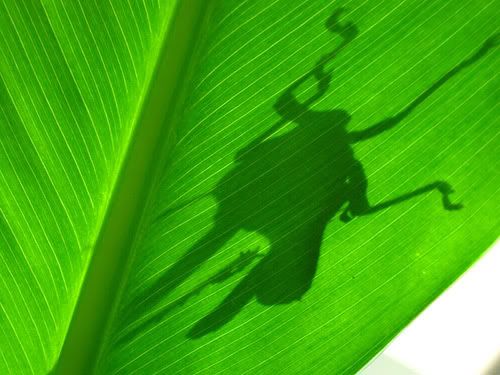
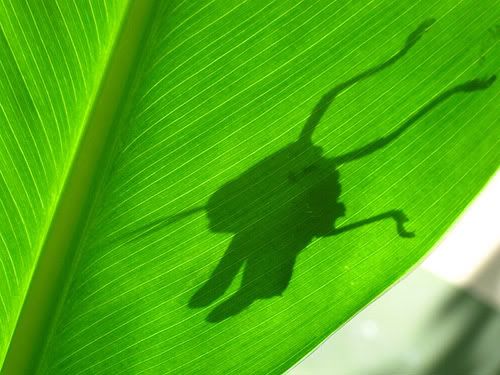

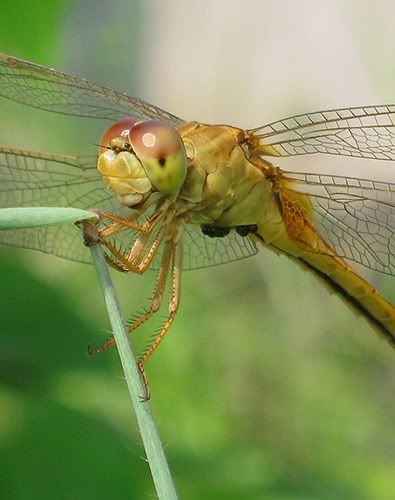
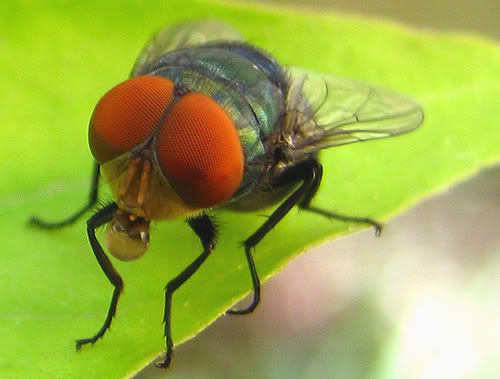

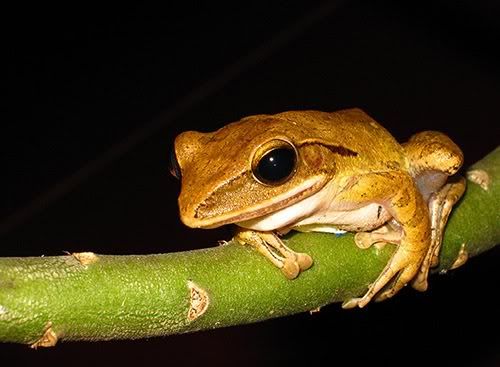
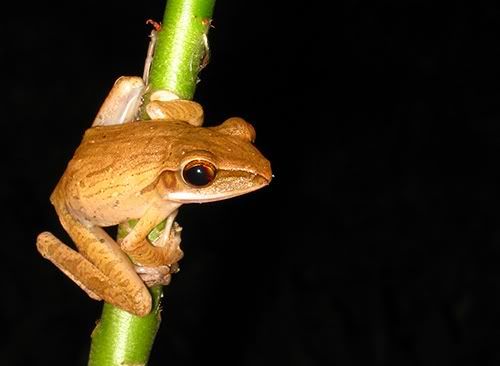


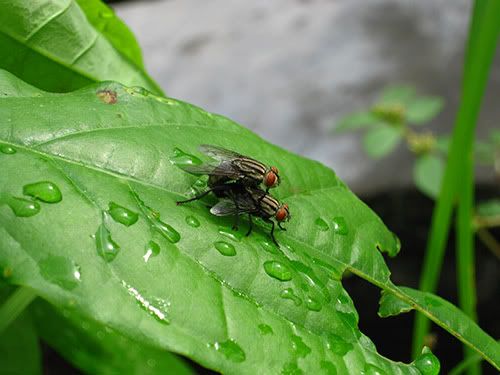
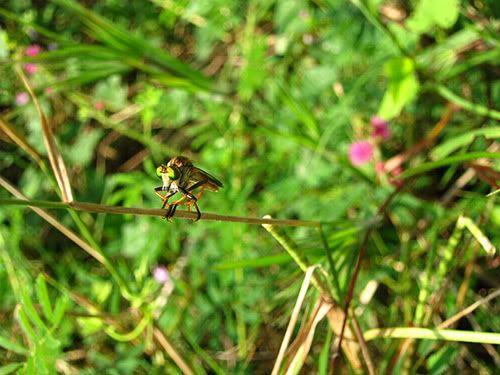
Gunakan fasilitas "Macro" di kamera. Nah, karena size gambarnya cukup besar (10MP), maka meskipun di-crop/dipotong untuk diambil objeknya aja masih kelihatan jelas (gambar tidak pecah)
</div>
 |
|
|

 Terkait |
||||
| Thread | Forum | |||
| Hewan-Hewan Eksotis Penguasa Arktik | Lounge | |||
| 13 Hewan eksotis di kutub utara | Lounge | |||